 Cine
Libraries, properly
Every movie and TV section on your server, with sorting, multi-select filters, an A–Z index for big collections, and Plex collections shown inline.
A Plex client for Apple devices
Cine is a fast, native player for your own Plex Media Server. Your movies and shows, organized the way you organized them. No recommendation feed, no storefront, and nothing on screen you didn't add yourself.
iPhone · iPad · Free to download, with optional Cine Premium
Built around your library
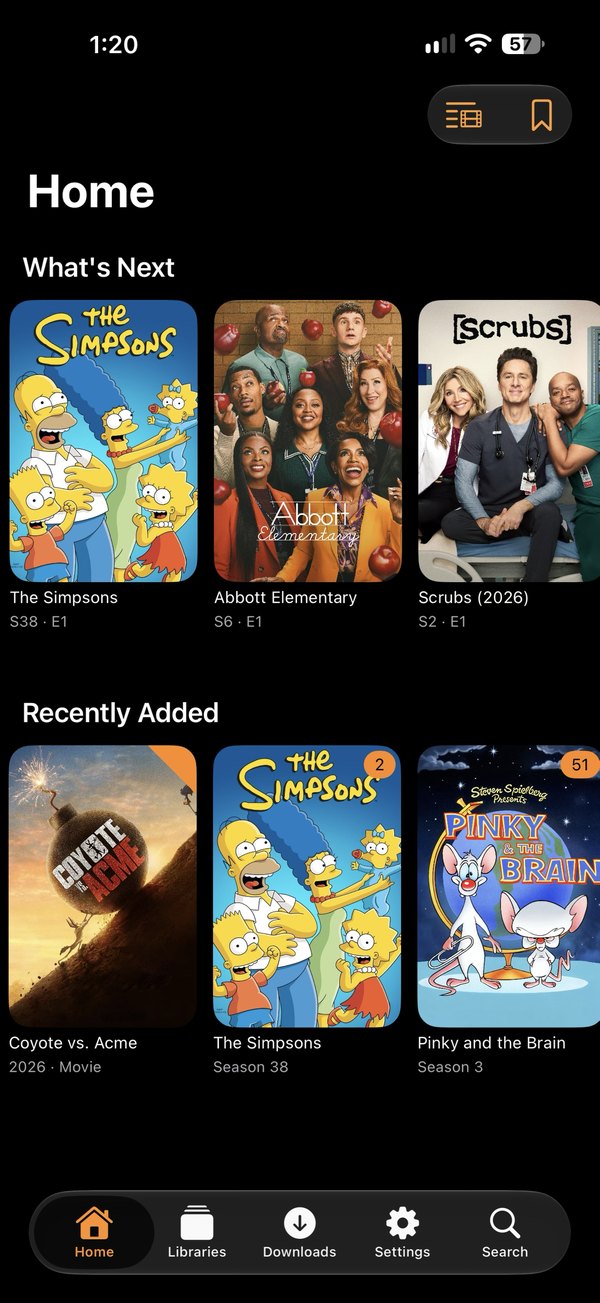
Home shows two rows: What's Next and Recently Added. Everything else is one tap away, and it's always your media.
Every movie and TV section on your server, with sorting, multi-select filters, an A–Z index for big collections, and Plex collections shown inline.
One search across your whole server, grouped into movies, shows, episodes, people and collections. Tap an actor to see everything they're in.
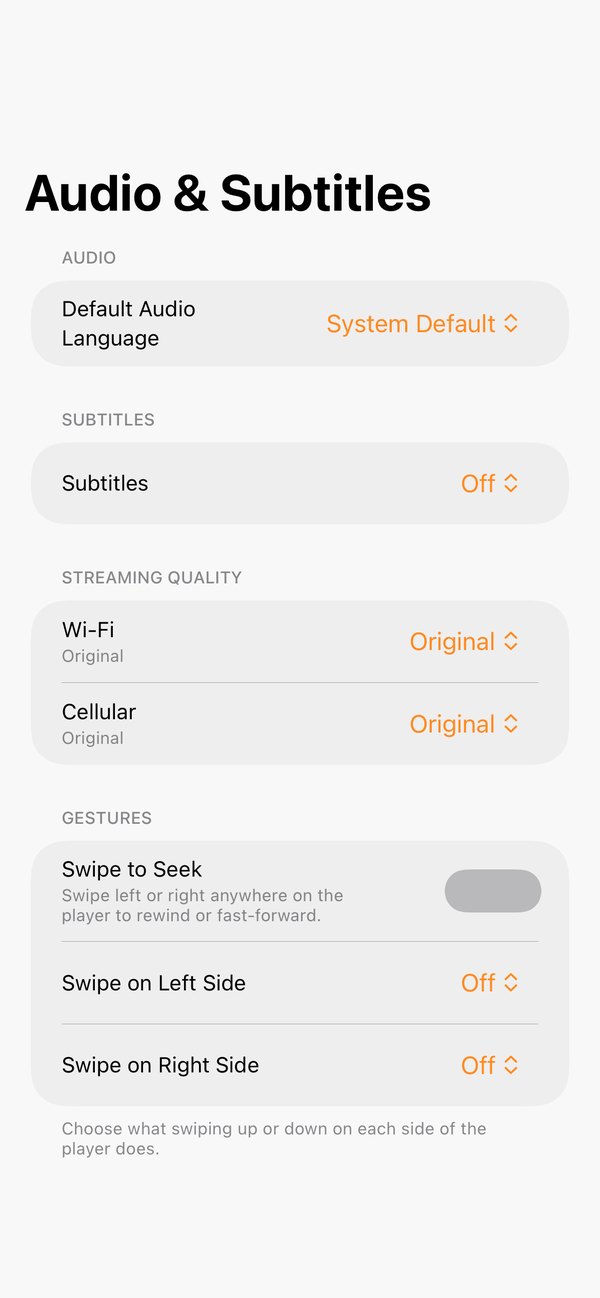
Resume exactly where you left off. Skip Intro and Skip Credits, Up Next autoplay, audio and subtitle switching mid-scene, and Picture in Picture.
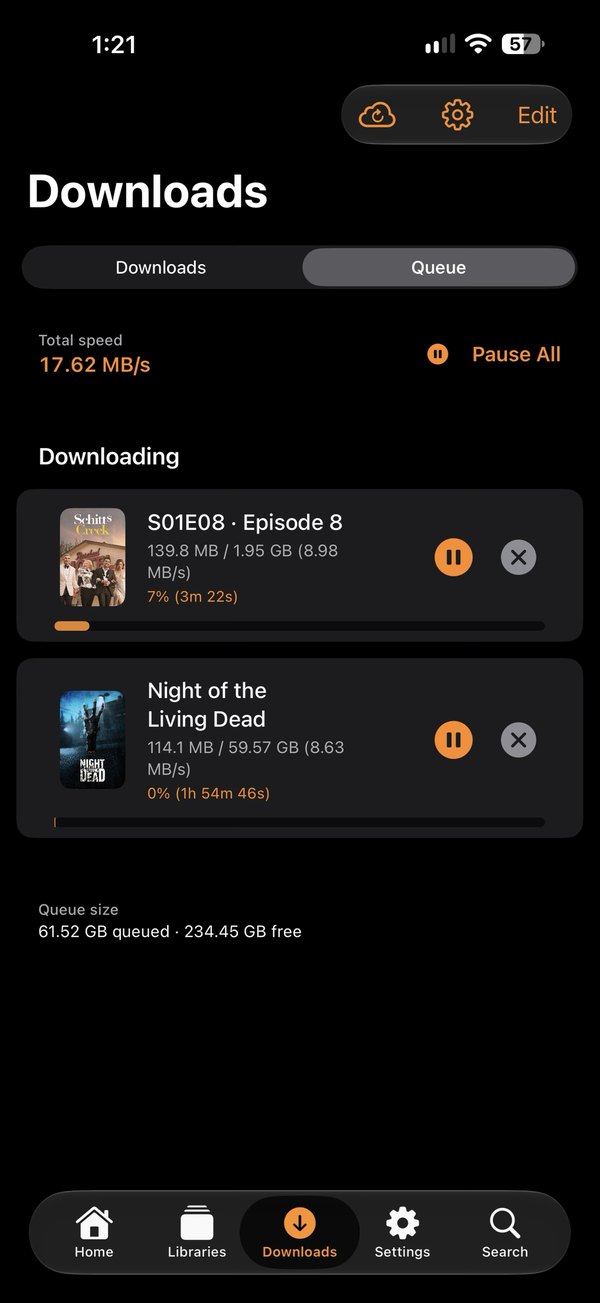
Movies, episodes, whole seasons or an entire collection, downloaded in the background while you get on with something else.
AirPlay and Google Cast are built into the player. Start on your phone and finish on the TV, even with a downloaded title.
Switch between Plex Home profiles without signing out. Each person keeps their own Continue Watching and resume points.
Your Plex playlists, ready to play. Make new ones and add anything from a long-press, and they play straight through with Up Next.
Your Plex Watchlist in one place. Add or remove a movie or show from any long-press menu, and come back to it when you're ready.
Press play on a collection and the next film starts on its own. Mark a whole collection watched, or download it in one go.
Fully offline
When your server is out of reach, on a plane, a train or at the cottage, Cine keeps working.
Downloaded something on your iPhone? Touch and hold it and choose Transfer to iPad. It goes straight from one device to the other over your Wi-Fi or a direct connection, with its artwork and watch progress, and no internet needed. Perfect for loading up the iPad on the way out the door.
Spoiler-free by design
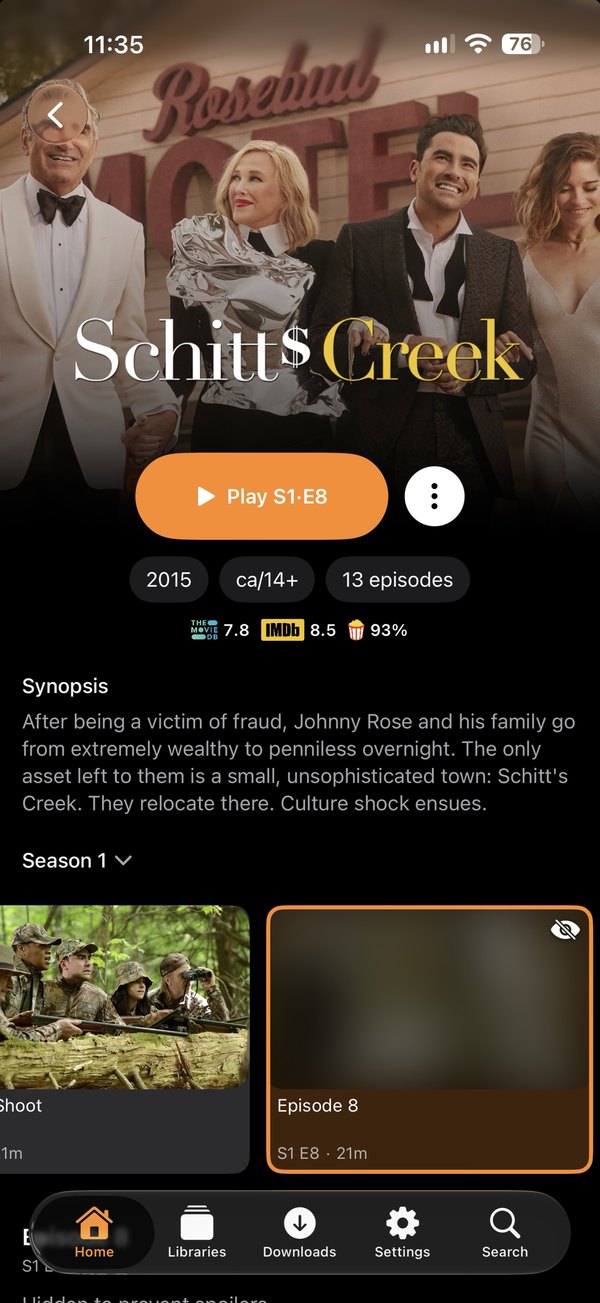
Turn on spoiler protection and unwatched episode stills, titles and summaries stay hidden until you choose to reveal them. Hide review scores for things you haven't started, too.
A closer look
Written in Swift and SwiftUI for Apple devices, with Dynamic Type, VoiceOver, Reduce Motion and high-contrast support throughout.
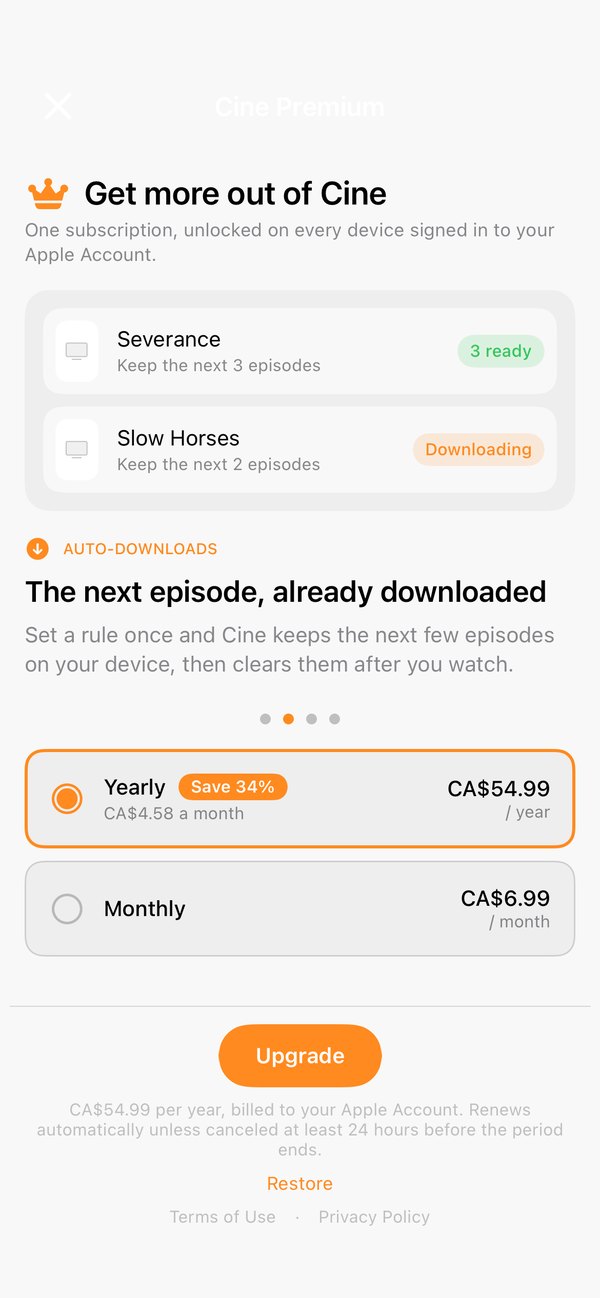
Cine Premium
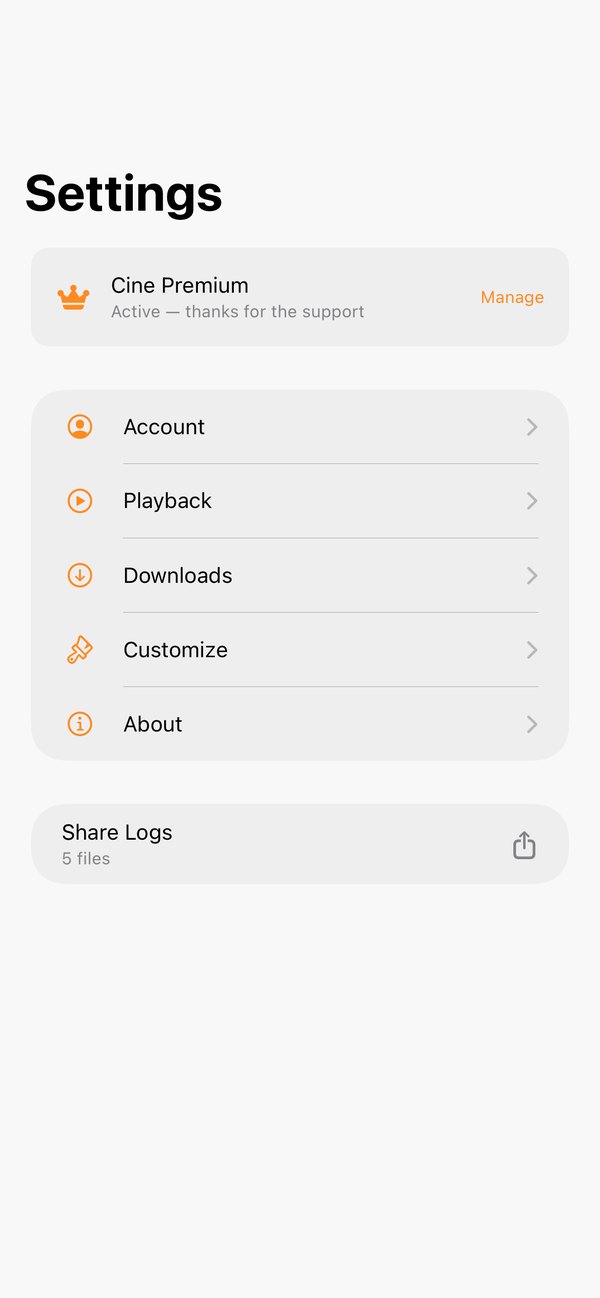
Cine is free to download and use. Premium adds the extras for people who watch a lot, and it's how the app stays independent and ad-free.
Both plans start with a one-week free trial. Prices shown for Canada (CAD); the App Store shows your exact price before you confirm. Billed to your Apple Account and renews automatically unless you cancel at least 24 hours before the end of the period. Manage or cancel any time in your Apple Account settings. See the Terms.
Privacy first
Cine streams from your server. We don't need to know what you watch, and we've built the app so we don't.
The full details, including the few services Cine talks to for ratings and cast biographies, are in the Privacy Policy.
Questions
A Plex account and access to a Plex Media Server, either your own or one shared with you. Cine is a player; it doesn't host or supply any content.
No. Cine is an independent app. It is not affiliated with, endorsed by or sponsored by Plex Inc. “Plex” is a trademark of Plex Inc.
Cine doesn't sell or check Plex Pass itself. Plex sets its own rules for some features, such as streaming away from home, and the server's owner controls things like downloads and transcoding. If something works with your account in Plex's own apps, it should work in Cine.
Yes. Anything you've downloaded plays fully offline, and changes you make offline sync back to your server when it's reachable again.
Yes. Cine Premium unlocks on every device signed in to the same Apple Account. Use “Restore” in the app if a device doesn't pick it up.
Subscriptions are managed by Apple. On iPhone or iPad, open Settings, tap your name, then Subscriptions. Cancel at least 24 hours before renewal to avoid the next charge.

Cine is coming soon to the App Store for iPhone and iPad.